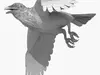
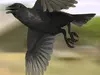
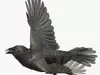
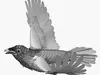
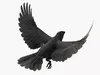
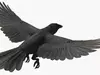
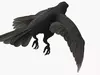
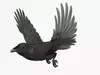
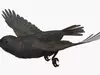
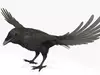
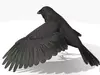
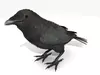
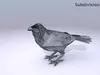
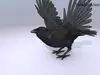
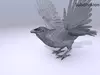
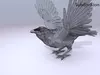
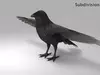
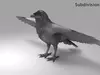
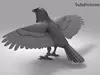
DESCRIPTION

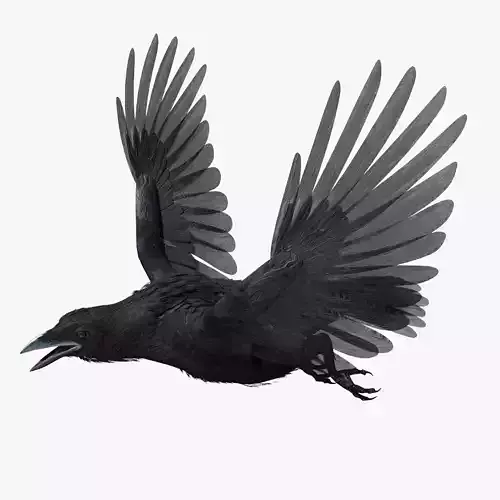
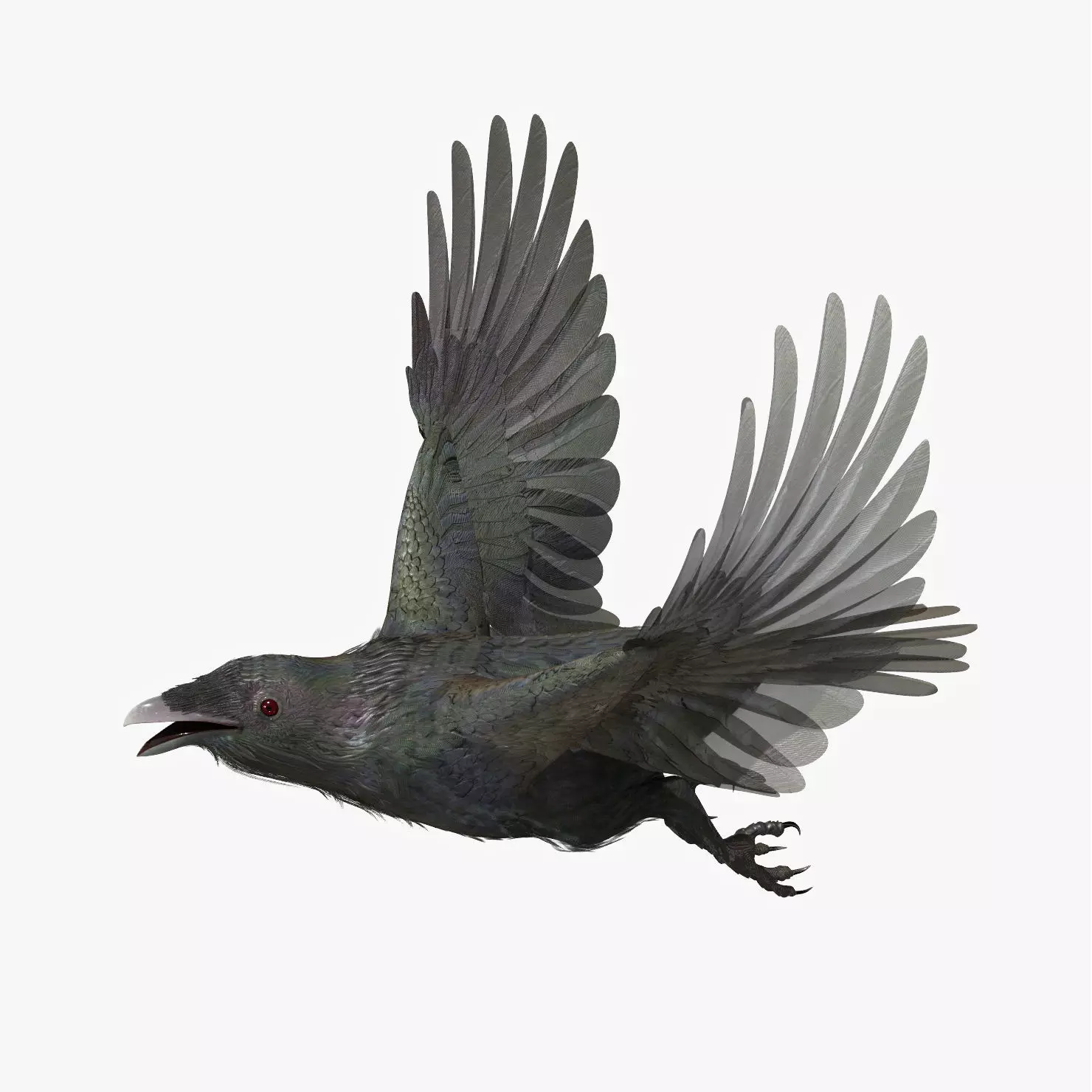
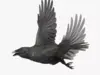
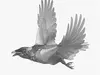
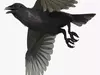
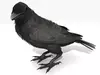
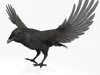
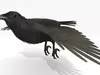
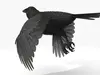
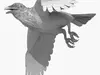
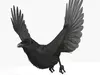
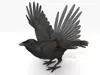
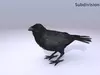
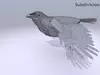
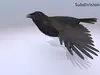
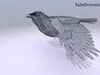
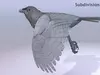
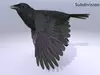
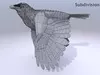
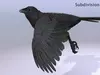
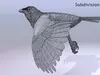
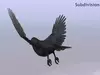
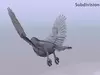
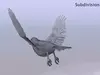
CROW - CORVUS

Rigged and Animated for Lightwave version 11.6 and up and for 3DS Max version 8.5 and 3DS Max version 2017 and up

This model comes in several flavours:
Lightwave 2011 Standard maps
Lightwave 2019 PRB (Unreal) maps
Lightwave 2019 BSDF maps
3DS Max 2009: Standard
3DS MAX 2017: Standard
3DS MAX 2017: PBR
3DS MAX 2017: VRAY
Also
FBX generated from Lw 2011
FBX generated from Lw 2019
FBX generated from Max 2009
FBX generated from Max 2017
OBJ - includes base object and all morph taraget objs

The feathers are geometry so they render fast and no plugins are needed.

This model comes with several pre-animated scenes to get you started.

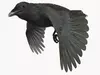
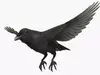
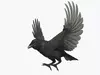
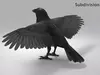
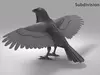
The wings are animated using the 3 bones within each. The wings are folded using one of several morph targets.

You can also make adjustments, like spreading the wing tip feathers and spreading the tail using morph targets.

-------------------------

The main controlling objects are: Null, Root, LT_Foot, RT_Foot

CORVUS-ZERO is the name given to my BASIC set up, no animation, but it is rigged.

I have provided several scene files to get you started:
CORVUS-Flyloop
CORVUS-Land
CORVUS-TakeOff
CORVUS-ZERO

The feet and legs are controlled by LT-Foot and RT-Foot respectively.

There are three 'neck' bones, a 'head' bone and a 'lower beak' bone.

There are 24 Morph targets.

The 'Mouth' and phonemes are controlled by 9 Morph targets located when you select the mesh and go to Object => Properties => Deform (Lightwave).
_AI
_CDGJKNSTY
_E
_FV
_LT
_MBP
_O
_U
_WQ

The wings are controlled by 3 bones each
and have 8 Morph positions, including flapping and folded positions

WF_01
WF_02
wf_04a
WingFolder 1
WingFolded 2
WingTips_DN
WingTipsSpread
WingTipsSpread 2

The Tail spread is controlled via Morph target 'Tail_Closed' and “TailOpened”, the Tail bone controls position and rotation.

The eyes have several morph targets:
Eyebrows_DN
Eyebrows_UP
Eyelids_Closed

The body's profile can be "streamlimned for flight with:
BodyFlight

The face can be altered with:
BeakLarger

The toes are controlled by 12 bones on each foot.

To fold the wings use the morphs noted above.

But if you have positioned the wings by moving the bones, AND you try to use morph targets to fold them, you WILL have some pretty weird distortions that will freak you out.

Don't panic, the solution is to 'zero' out your wing bone positions, as or just before you apply the 'Morph' targets.
-------------

The model is made hi resolution by using Sub-Patching, so the actual geometry is much less than the rendered geometry.

LIGHTWAVE:

CORVUS 28554 verticies
17878 polys

Ground 8 verticies
6 polys

3DS MAX:

CORVUS 35756 verticies
28555 polys

Ground 4 verticies
1 polys
---------------------------

the maps are RGB or greyscale, 72dpi 4k

Links to Youtube samples:
Corvus morphs
https://youtu.be/yNqxXHKpLXQ

TT Color HI Full
https://youtu.be/cnKpcgBZLVo

TT Grey LO
https://youtu.be/vUaGyuwwph8

Land Anim
https://youtu.be/s9hE-b-ipSA

Land Anim Grey HI
https://youtu.be/JmFsVeS0Y98

TakeOffColor
https://youtu.be/A1uXv9h0lB4

TakeOffGrey
https://youtu.be/DVBLNtzFBm0

REVIEWS & COMMENTS

See what other buyers think about this model - real feedback on quality,
accuracy, and usability.
Romaneus
RomaneusCommunity member
This user is part of the CGTrader community
Well done!
BEST PRICE GUARANTEED
Found this model cheaper on another marketplace? Let our support team know - we’ll match it.

CROW - CORVUS - rigged - animated - Standard - PBR - VRAY Low-poly 3D model

Royalty Free License
Hire
Like this model to show appreciation to the designer.
See how many times this model was viewed.
Share this model to support the designer and boost their visibility.
Native file format
LWO3 files
Size: 124 MB
Default | 2011
Default | 2019
Default | 2019
Exchange formats
OBJ
OBJ<br />File Size: 47.5 MB
FBX
Autodesk FBX | 6 files<br />Version: 2017 - Renderer: Mental Ray<br />File Size: 413 MB
MAX
Autodesk 3ds Max | 10 files<br />Version: 2009 - Renderer: Mental Ray<br />Version: 2017 - Renderer: Mental Ray<br />Version: 2017 - Renderer: Mental Ray<br />Version: 2017 - Renderer: V-Ray 3.4<br />File Size: 547 MB
PNG
PNG | 4 files<br />File Size: 172 MB
JPG
JPG | 4 files<br />File Size: 172 MB
Verified by CGTrader
Verified models are of higher quality as they have
passed CGT Standard technical and visual checks,
making them more professional-grade 3D assets.
Learn more.
FBX
This FBX file has successfully passed the CGT Standard technical and visual checks. The verification results are detailed in the section below.
File & scene
Binary FBX
Binary FBX file is more compact and faster to load and process.
Learn more
No unsupported objects
Unsupported objects:
- Lights
- Cameras
Learn more
Geometry
No N-gons
N-gons are polygons with five or more sides which might cause issues in certain processes like rendering or animation. Learn more
No faceted geometry
Faceted geometry uses flat surfaces without smoothing, which can look unrealistic on curves.
Learn more
Manifold geometry
Manifold geometry ensures all surfaces are properly connected, avoiding issues like edges shared by more than two faces.
Learn more
Textures & material
PBR textures
PBR textures simulate how light interacts with materials, making the model look realistic under different lighting.
Required PBR textures:
- Base Color
- Roughness
- Metalness
- Normal
Learn more
No embed textures
Embedded textures are stored inside the model file, increasing its size and sometimes causing compatibility issues.
Learn more
Square textures
Texture aspect ratio is the width-to-height ratio of a texture. Expected texture aspect ratio: 1:1
Learn more
Power of 2 texture sizes
Textures with dimensions in power of two (e.g. 512x512px, 1024x1024px) are used to optimize performance and memory usage.
Learn more
Assigned materials
Materials are applied to the 3D model to allow visualize a model's surface properties and appearance.
Learn more
UVs & naming
No UV overlaps
UVs overlap when multiple points on the 3D model's surface are mapped to the same point on the UV island causing texture stretching.
Learn more
UV unwrapped model
A UV unwrapped model means its 3D surface is flattened into 2D space, allowing textures to be applied accurately.
Learn more
Allowed characters
Allowed ASCII characters: a-zA-Z0-9-_
Learn more
Provided by designer
Information and details shared directly by the model's designer.
3D Features
The model includes animations (movement or actions) that can be played in supported software or engines.
The model has a skeleton or bone structure, making it ready for posing or animation.
PBR
Uses Physically Based Rendering materials, which give the model realistic lighting and surface properties.
Textures
The model includes image files (textures) that add color, patterns, or detail to its surfaces.
Materials
The model has material settings that define how surfaces look (color, shine, transparency, etc.).
UV Mapping
The model's surfaces are mapped to a 2D image, allowing textures to display correctly.
Plugins Used
Some external plugins were used to create the model. These may be required for full functionality.
3D printing
Indicates whether the designer marked this model as suitable for 3D printing.
Model is not 3D printable
The designer indicates this model is intended for digital use only (rendering, animation, or AR/VR) and not for 3D printing.
Geometry
Polygon mesh
A model built from polygons (triangles or quads) connected in a mesh.
17878 polygons
The total number of polygons (flat shapes) that make up the 3D model.
/ 28554 vertices
The number of points (corners) that define the shape of the model's polygons.
Unwrapped UVs
Publish date
Model ID
Chat