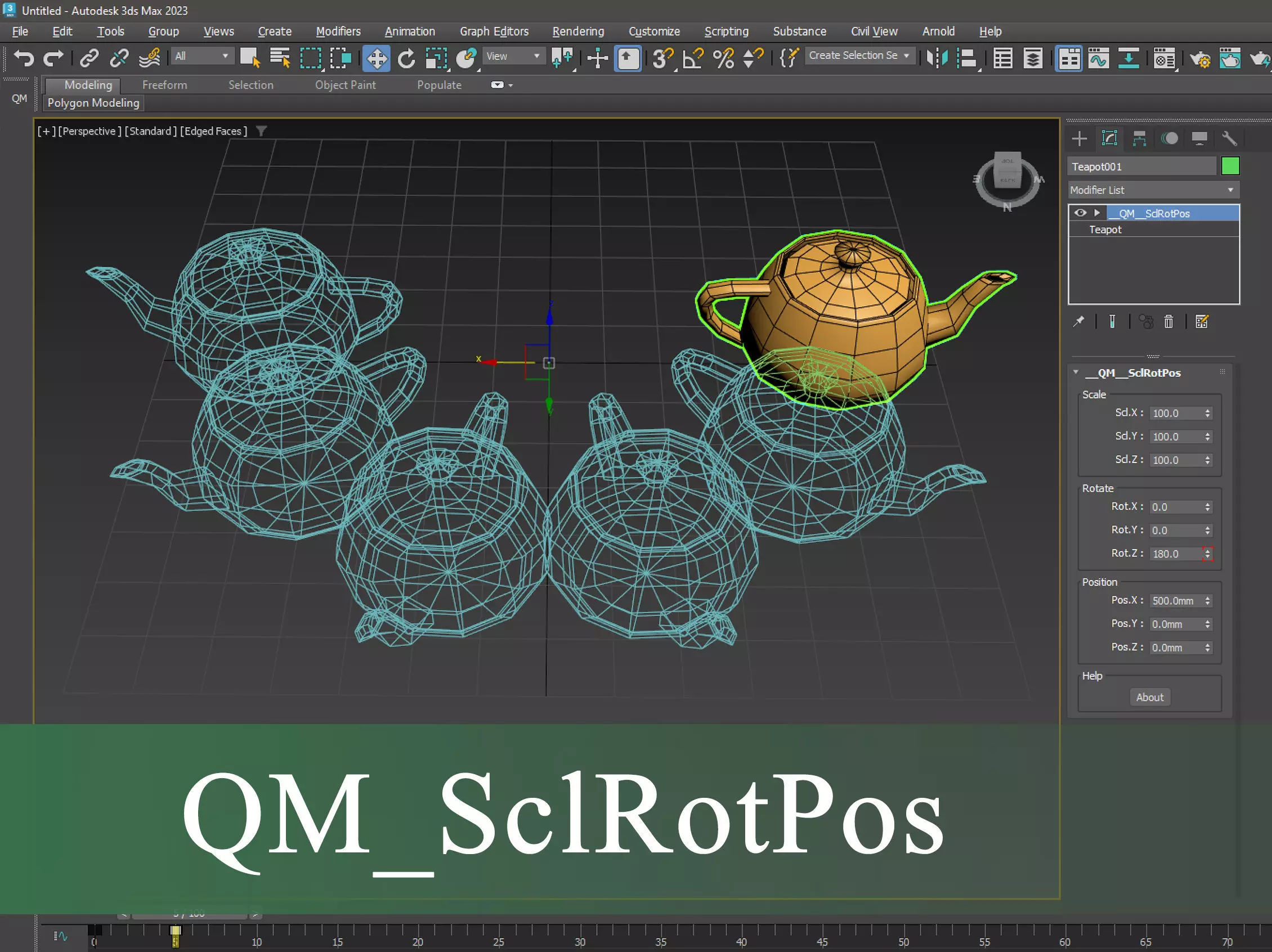
QM_SclRotPos (Scale-Rotation-Position) is a Scripted SimpleMod Plug-in
MAXSript Reference: A SimpleMod plug-in is a deformation-type modifier that moves vertices around but does not change topology (adding or deleting vertices, faces, surfaces, lines, etc.) Examples of similar 3ds Max modifiers are Bend, Stretch, and taper.
This script allows you to scale, rotate and move the geometry in three XYZ axes.
The script has 9 animable parameters. which is in three axes for each of scale, rotation and position.
The order of operations is as follows:
- Scale_X
- Scale_Y
Scale_Z
Rotation_X
Rotation_Y
Rotation_Z
Position_X
Position_Y
Position_Z
You can also change the coordinate space by gizmo and object center. In this order, for example, you can rotate the geometry from a certain point around the desired axis, or scale or move it along the desired axis.
How to use?:
- To use it, just put the script in the Max Startup folder so that Max recognizes it at the next start. In this case, a new modifier which is named __QM__SclRotPos will appear in the list of modifiers. Then it is possible to select and apply it to the object.
Startup directory:
- C:\Program Files\Autodesk\3ds max 20XX\scripts\Startup
Notes:
in 3DsMax 2015 sometimes when any scripted modifier (even the examples provided by the MaxScript reference) is added to the object, 3DsMax crashes. Unfortunately, this cannot be fixed by us.
The file is in .mse format and encrypted.
If you find any problem, please let us know.
Thank you for choosing this script.